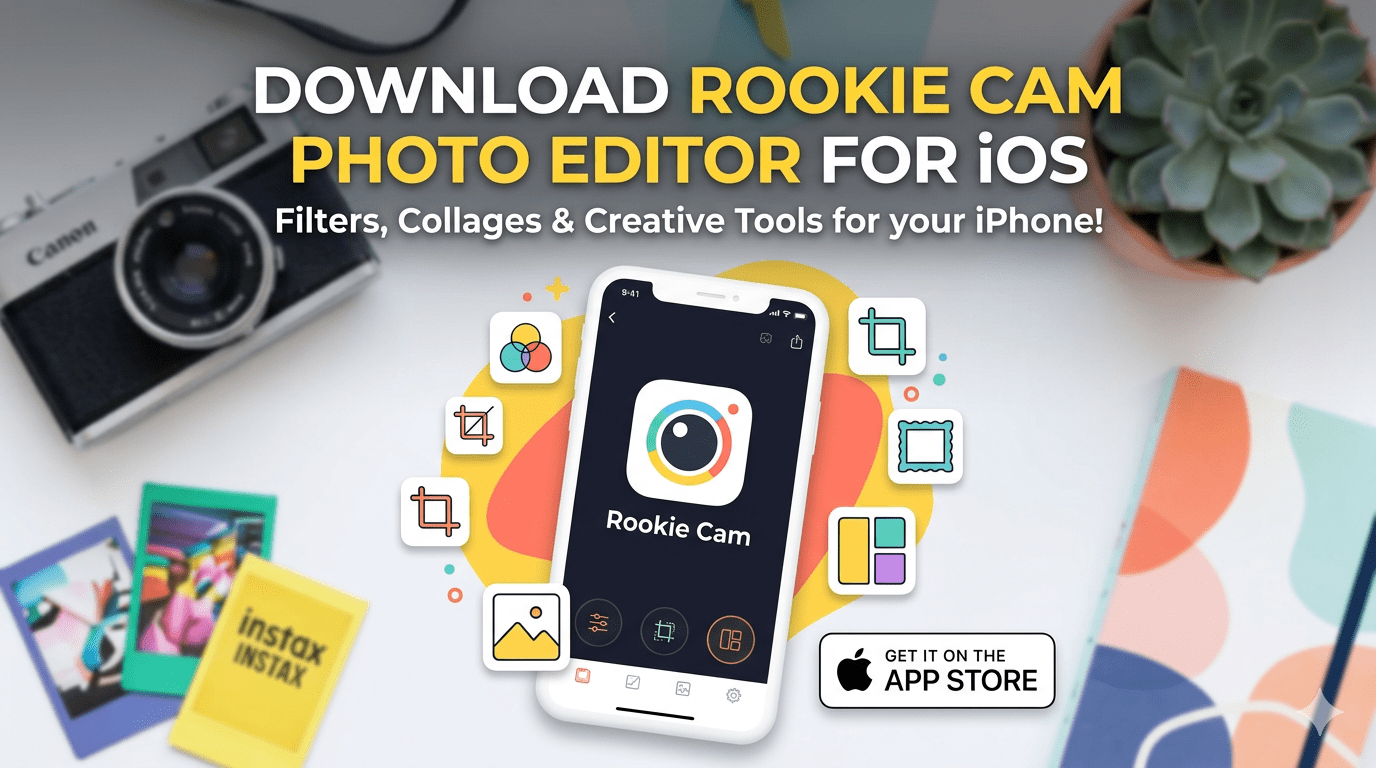
Most phone photos look decent in the moment but fall flat when you actually look at them on a screen. The lighting is off, the colors are slightly wrong, or the image just lacks the quality you were hoping for. Professional editing software can fix this, but tools like Photoshop have a steep learning curve and take significant time to master. Hiring someone to edit photos costs anywhere from $25 to $50 per image, which adds up quickly.
Rookie Cam sits in a practical middle ground. It offers editing tools that go beyond basic filter apps without requiring any photography knowledge to use. This review covers what the app actually does, how it compares to alternatives, and whether it is worth adding to your phone.
What Rookie Cam Does Differently
Many photo editing apps fall into one of two categories. They are either too simple, offering only basic filters that produce obvious, uniform results, or too complex, presenting an overwhelming interface that takes hours to learn. Rookie Cam is designed to sit between these extremes.
The app includes 178 filters organised by visual style and mood rather than numbered sequentially. Instead of scrolling through unnamed presets, you can look for the type of result you want, such as a warm portrait look, a bright outdoor style, or a muted film effect, and find relevant options grouped together.
One distinction worth noting is how these filters are applied. Rather than placing a uniform overlay across the entire image, the app analyzes the content of the photo and adjusts the filter accordingly. A portrait and a landscape receive different treatment even when the same filter is selected, which tends to produce more natural-looking results.
Key Features
Dual Exposure Blending
One of the more useful features is automatic dual exposure handling. In scenes with significant contrast between bright and dark areas, such as a subject standing near a window or an outdoor scene with deep shadows, standard camera apps often struggle to expose both areas correctly. Rookie Cam blends multiple exposures to retain detail in both the highlights and shadows, reducing the silhouette effect that commonly affects backlit shots.
Textures and Light Effects
The app includes 60 texture and light effect options. These are designed to be subtle rather than immediately obvious, adding atmosphere to a photo without making the editing process visible. Film grain, light leaks, and soft texture overlays are available in varying intensities.
Collage Layouts
For users who regularly post multiple images together, the collage tool supports combinations of up to nine photos in arrangements that go beyond standard grids. The layouts are structured to work as a visual sequence rather than just a collection of unrelated images placed side by side.
Basic Adjustments
Beyond filters and effects, the app includes standard manual controls for brightness, contrast, saturation, shadows, and highlights. These allow fine-tuning after a filter has been applied, giving more control over the final result than filter-only apps.
How to Use Rookie Cam
After installing and opening the app, you will be prompted to grant camera and photo library permissions. The main interface has three sections accessible from the bottom navigation.
Photo Mode is the primary editing area. You can either take a new photo directly in the app or import one from your library. Filters are displayed in organized categories, and each has an intensity slider so you are not locked into the default strength. Basic adjustments are available alongside the filter options.
Video Mode works similarly but applies color grading and effects to video clips. Effects preview in real time before you commit to them.
Album Mode is where you manage previously edited photos and build collages. The layout tools are accessed here, allowing you to arrange multiple images into a single composition.
A few practical details worth knowing: the undo function works reliably, which is not always the case with editing apps. The app saves your preferences between sessions, so frequently used settings do not need to be reconfigured each time. Premium features are clearly labeled within the interface, and the free version includes a substantial set of tools without requiring an upgrade.
Installing Rookie Cam Through 3uTools
For users who manage their iOS apps through 3uTools, Rookie Cam can be installed directly from the desktop application.
Connect your iPhone, iPad, or iPod Touch to your computer via USB. Open 3uTools and navigate to the Apps section. Use the search bar to find Rookie Cam, then click Install. The app will be downloaded and installed directly to the connected device. Once the process is complete, disconnect the device and open the app from your home screen.
How It Compares to Other Apps
VSCO has a well-regarded filter library but limits the free version significantly and the interface can feel less intuitive for new users.
Lightroom Mobile is the most powerful option on this list, but it requires a subscription and has a learning curve that takes time to work through. It is better suited for users who want professional-level control and are willing to invest in learning the tool.
Snapseed is free and capable, but has not received meaningful updates in some time and lacks the more modern editing features that newer apps include.
Instagram’s built-in filters are widely recognized and produce consistent results but offer minimal control and are immediately identifiable to most viewers.
Rookie Cam offers more control than Instagram’s tools, a lower learning curve than Lightroom, and a more modern feature set than Snapseed, at no cost for the core functionality.
| App | Free Version | Learning Curve | Filter Quality | Manual Controls |
|---|---|---|---|---|
| Rookie Cam | Generous | Low | High | Yes |
| VSCO | Limited | Medium | High | Yes |
| Lightroom Mobile | Limited | High | Very High | Yes |
| Snapseed | Full | Medium | Medium | Yes |
| Full | Very Low | Basic | Minimal |
Who Benefits Most from Rookie Cam
Content creators who post regularly will find the filter organization and collage tools useful for maintaining a consistent visual style without spending significant time on each post.
Small business owners who need product or space photography for social media or a website can produce noticeably better results from their phone camera without hiring a photographer for routine shots.
Casual users who want their everyday photos to look better, particularly in challenging lighting conditions, will benefit most from the dual exposure feature and the straightforward filter system.
Free vs. Premium
The free version includes access to the core editing tools, a solid selection of filters, and the basic adjustment controls. It is fully functional for most use cases.
The premium upgrade adds additional filters, removes watermarks from exported images, and unlocks some advanced features. It is worth evaluating the free version first to determine whether the upgrade is necessary for your specific needs.
Conclusion
Rookie Cam does what a good editing app should do. It improves photos in a way that looks natural rather than processed, and it does this without requiring photography knowledge or significant time investment. The free version is comprehensive enough to get a clear sense of what the app offers before committing to anything.
For users who find basic filter apps too limited but professional software too complex, it is a practical option worth trying.
Frequently Asked Questions
Is Rookie Cam just a filter app?
It includes filters, but also offers dual exposure blending, manual adjustments, texture effects, and collage tools. The filters themselves are more sophisticated than standard overlay-style presets.
How is it different from Instagram filters?
Instagram filters apply a uniform effect across the entire image. Rookie Cam analyzes the photo content and adjusts the effect accordingly, and provides manual controls to fine-tune the result rather than applying a fixed preset.
Can it be used for business purposes?
The premium version includes commercial use rights and removes watermarks, making it suitable for business photography needs.
How difficult is it to learn?
The interface is designed to be immediately usable without prior photography knowledge. Most users can get good results on their first session, with more advanced features available to explore over time.
What is included in the free version? T
he free version includes the core editing tools, a substantial filter selection, dual exposure blending, basic manual adjustments, and the collage layout system. Premium features are labeled within the app and available as an optional upgrade.