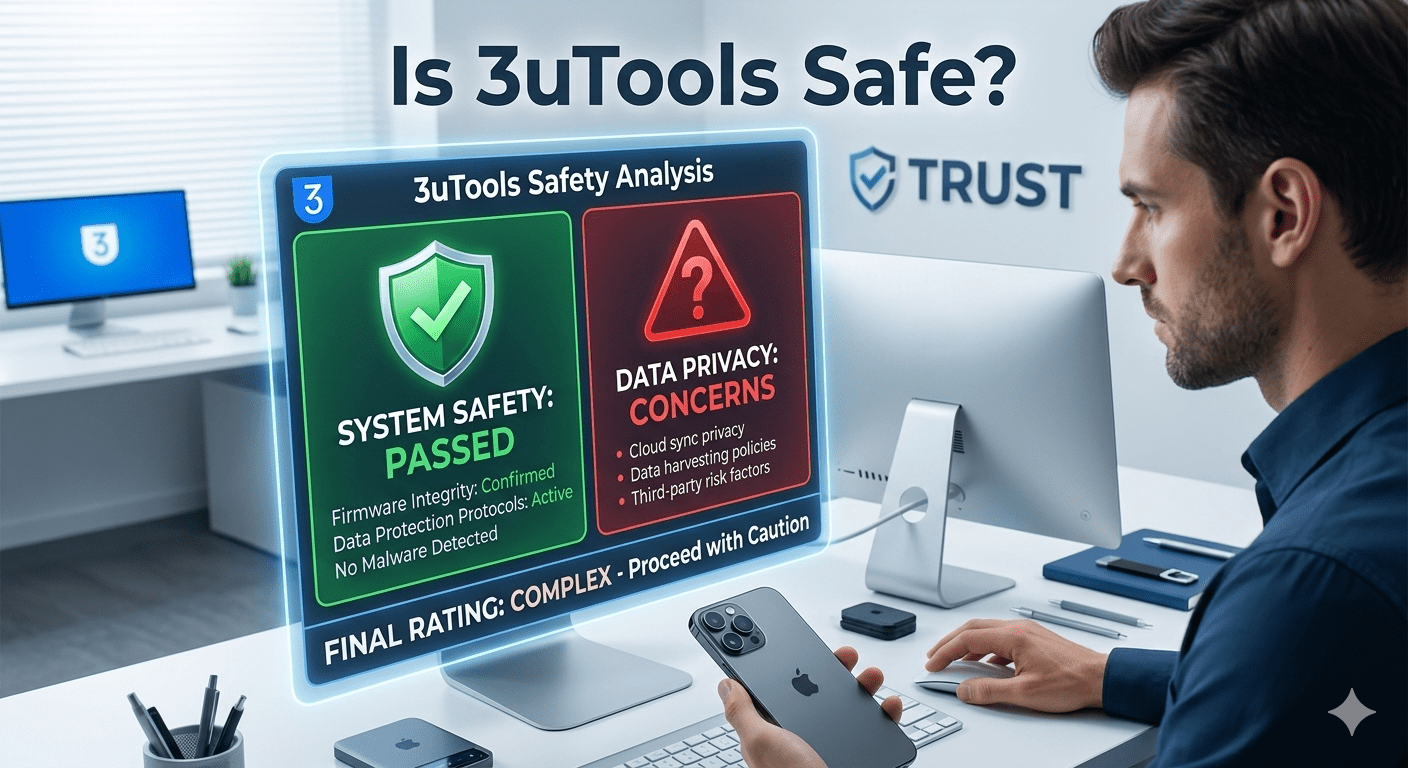
If you’ve searched for “is 3uTools safe,” you’re probably trying to manage, flash, or back up an iPhone or iPad without paying for iTunes alternatives — and you’ve come across warnings, antivirus flags, or mixed reviews that left you unsure whether to install it. This guide breaks down exactly what 3uTools is, what risks are real, what risks are overblown, and how to use it as safely as possible.
Table of Contents
What Is 3uTools?
3uTools is a free, Windows-based software suite developed by a Chinese company (Thinkskysoft) that lets users manage iOS devices outside of Apple’s official iTunes ecosystem. It’s widely used for:
- Backing up and restoring iPhone/iPad data
- Flashing or downgrading iOS firmware
- Managing apps, photos, music, ringtones, and wallpapers
- Checking device information (battery health, warranty status, activation lock status)
- Removing or bypassing certain iCloud restrictions
Because it offers far more device-level access than Apple’s own tools, it has become popular among power users, repair shops, and people working with older or used iPhones.
Is 3uTools Safe? The Short Answer
3uTools itself is not inherently malware, and millions of people use it without issue — but it comes with real risks that vary depending on where you download it, what features you use, and how it’s bundled.
The honest answer is: it’s a legitimate tool with a legitimate use case, but it operates in a gray area that makes it riskier than mainstream, Apple-approved software. Below is a breakdown of the specific concerns.
Why Antivirus Software Sometimes Flags 3uTools
One of the biggest reasons people question 3uTools’ safety is that some antivirus programs (including Windows Defender) occasionally flag it as a Potentially Unwanted Program (PUP) or even as malware. There are a few explanations for this:
- Deep system access — 3uTools requires low-level access to communicate with iOS devices, install custom firmware, and modify device files. This kind of behavior overlaps with patterns antivirus heuristics associate with malicious tools.
- Bundled installers from third-party sites — When downloaded from unofficial mirrors, the installer is sometimes repackaged with adware, browser extensions, or other unwanted programs that are genuinely harmful.
- Outdated or tampered versions — Older versions hosted on random download sites may contain modified code that the original developer never released.
This means the core 3uTools application is generally not malicious, but the source you download it from matters enormously.
Key Safety Risks to Be Aware Of
1. Downloading from unofficial sources
This is the single biggest risk factor. Third-party “download portals” frequently repackage software with adware or bundled toolbars. Always download directly from the official 3uTools website rather than a search-result link to a random file-hosting site.
2. Data privacy concerns
3uTools requires access to your device’s data to function — including backups, photos, contacts, and app data. Since the company is based outside the EU/US and its privacy practices haven’t been independently audited to the standard of Apple or major US software vendors, privacy-conscious users should be cautious about what data they back up or transfer through the tool, especially on shared or work devices.
3. Firmware flashing risks
Using 3uTools to flash, downgrade, or iOS firmware carries inherent risk — not from malware, but from the process itself. A failed flash can brick a device, void Apple’s warranty, or trigger Apple’s anti-rollback security checks, leaving the device unusable until restored through official channels.
4. iCloud bypass and activation lock features
3uTools markets certain tools related to iCloud activation lock removal. These features are controversial: legitimate use cases exist (e.g., a verified original owner who lost their Apple ID credentials), but the same tools are sometimes used on stolen devices. Apple actively works to block these bypass methods, and using them can leave a device partially functional or trigger account restrictions.
5. Outdated software and unpatched vulnerabilities
Like any third-party tool that interacts deeply with iOS, an outdated version of 3uTools may not be compatible with the latest iOS security model, increasing the chance of errors during use — though this is more of a stability risk than a security one for most everyday users.
How to Use 3uTools Safely?
If you’ve decided the features are worth it, here’s how to minimize risk:
- Download only from the official website. Avoid third-party download aggregators, torrent sites, or “cracked” versions.
- Scan the installer before running it. Use a reputable antivirus or a multi-engine scanner to check the downloaded file.
- Back up your device through Apple’s official tools first. Before using any third-party software for firmware changes, create a verified backup via iTunes/Finder or iCloud.
- Avoid using it on devices you don’t legally own. Steer clear of activation-lock removal features unless you can verify legitimate ownership.
- Keep the software updated. Updates often patch compatibility issues and security flaws.
- Use a secondary or non-primary computer if possible, especially if you’re frequently testing firmware on multiple devices, to limit exposure of your main system.
- Disconnect from sensitive accounts before connecting a device you don’t fully trust, particularly for repair shop scenarios.
Pros and Cons Summary
Pros:
- Free and feature-rich compared to many paid alternatives
- Useful for advanced device management, diagnostics, and firmware tasks
- Active user community and regular updates
- Works on devices that may not be fully supported by official tools (e.g., checking activation status, battery health stats)
Cons:
- Sometimes flagged by antivirus software
- Privacy practices are less transparent than major US/EU software companies
- Firmware-related features carry real risk of bricking devices
- Some features exist in a legal/ethical gray area (iCloud bypass tools)
- Official support and documentation are less polished than mainstream tools
Safer Alternatives to Consider
If the risk profile of 3uTools feels too high for your needs, consider these alternatives depending on your goal:
- iTunes / Apple Finder — Official, Apple-supported backup and restore
- iMazing — A paid, reputable third-party tool with strong privacy practices for backups and file management
- AnyTrans — Another paid alternative focused on file transfer and backup, from a more established Western developer
- CopyTrans — Useful for managing photos, music, and contacts with a smaller permission footprint
Final Verdict
3uTools is a functional, widely used tool that isn’t malware in itself, but it sits in a higher-risk category than mainstream, officially sanctioned software. If you download it strictly from the official source, scan it before installing, back up your device beforehand, and avoid the more controversial features like iCloud activation bypass on devices you don’t own, the practical risk to most users is low to moderate. If you’re managing a device with sensitive data or you’re uncomfortable with any uncertainty, a paid, well-reviewed alternative like iMazing may be the better fit.
Frequently Asked Questions
Does 3uTools contain a virus?
The official version of 3uTools does not contain a virus. However, copies from unofficial sources have been known to bundle adware or unwanted software, and some antivirus tools flag it due to its deep system access rather than confirmed malicious code.
Will 3uTools steal my data?
There’s no widespread evidence that 3uTools harvests user data maliciously, but because it requires access to backups and device files, users should be mindful of what information they transfer, especially on devices containing sensitive personal or work data.
Can 3uTools brick my iPhone?
Yes, if used incorrectly for firmware flashing or downgrading, it’s possible to render a device temporarily or permanently unusable. Always back up first and follow instructions carefully.