A problem that affects millions of people worldwide. Every year, more than 10 million new iPhone or iPad users turn to third-party software to help them manage their iOS data from their Mac or PC. With 1.56 billion iPhone users globally as of 2025.

If you use an iPhone and a Windows PC, you’ve likely run into the same wall that millions of users hit every day. You plug your iPhone in, iTunes opens, and what should be a simple file transfer turns into a slow, confusing process that may or may not actually complete. Backups fail halfway through. Videos get compressed. Documents don’t transfer the way you expect.
This isn’t a user error. It’s a structural limitation. iTunes was originally built as a media player and store, and its device management capabilities have always been secondary to that purpose. For Windows users especially, the experience has historically been inconsistent.
3uTools was built to address this gap directly. This guide covers what the software does, how to install it on Windows, and what to expect once it’s running.
What Is 3uTools?
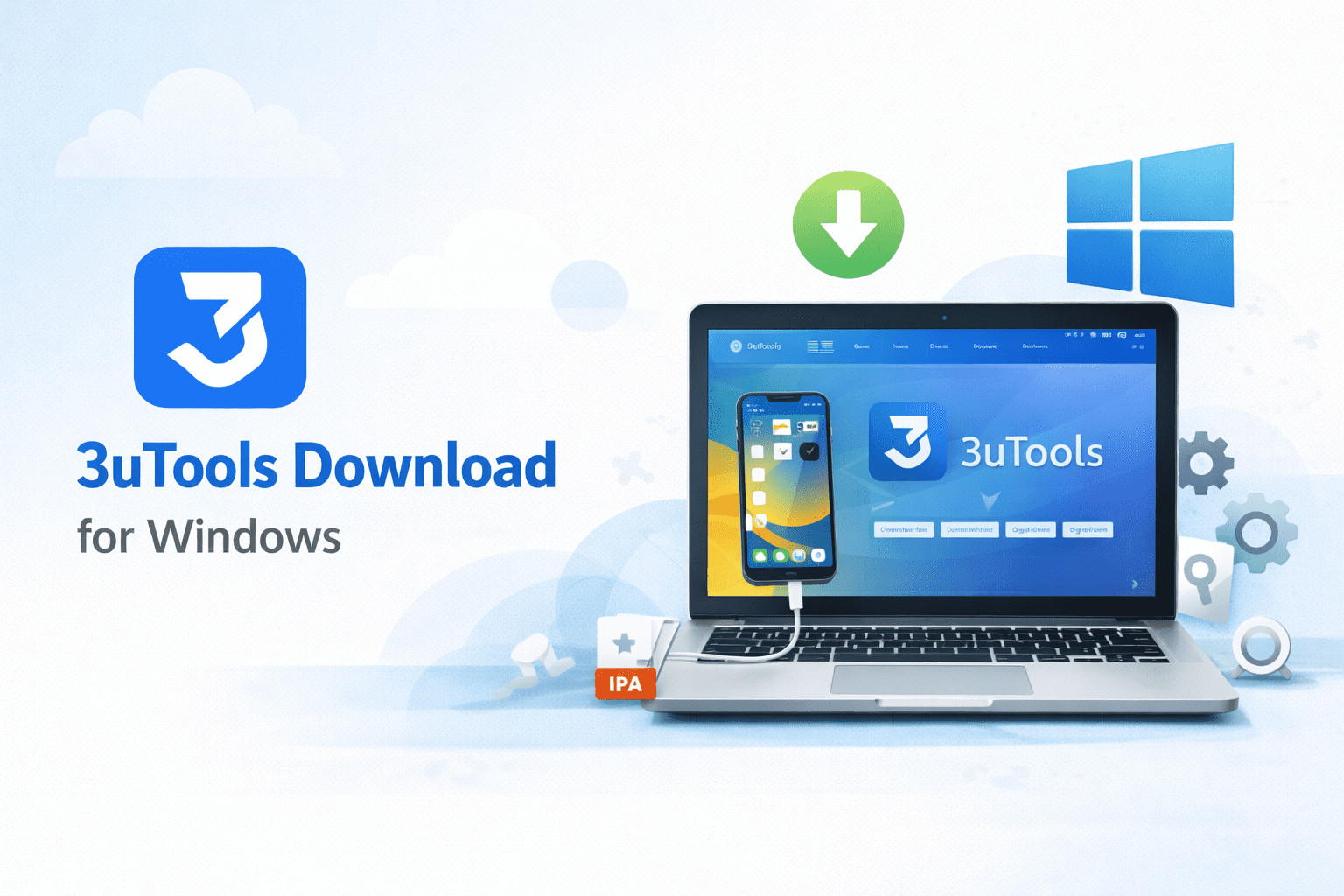
3uTools is a free desktop application for Windows that provides comprehensive iOS device management. The current version is v3.26.007, available in both 64-bit (187 MB) and 32-bit (192 MB) versions, and supports Windows 7 through Windows 11.
It is available in English and 10 additional languages, reflecting the fact that iOS management frustrations are not limited to any one region. The software connects to your iPhone or iPad via USB and gives you direct access to file management, backups, diagnostics, and device customization, all from a single interface.
The Core Problem with iTunes on Windows
Apple designed iTunes primarily around its own ecosystem. On a Mac, it integrates reasonably well with the operating system. On Windows, it has always felt like an afterthought, slower to load, more prone to driver conflicts, and limited in what it actually lets you do with your device.
Common issues Windows users encounter with iTunes include backups that fail without a clear error message, file transfers that require syncing the entire device rather than moving individual files, limited visibility into what is actually stored on the device, and slow performance that gets worse over time.
3uTools addresses each of these without requiring iTunes to be installed at all on most Windows configurations.
Key Features
Direct File Management
iTunes treats the iPhone as a closed system where you can only access files through approved categories. 3uTools provides direct access to the file structure of your device, allowing you to move any file type in either direction, from iPhone to PC or PC to iPhone, without syncing, cloud uploads, or format conversion.
For users who regularly move large files such as videos, raw photos, or documents, this alone represents a significant improvement in speed and reliability.
Selective Backup and Restore
Rather than backing up the entire device, 3uTools allows you to choose specific data types, including messages, contacts, photos, and app data, and back them up independently. This makes the process faster and gives you more control over what gets restored if something goes wrong.
The Social App Backup feature is particularly useful for backing up WhatsApp conversations and other messaging app data that standard iTunes backups often handle inconsistently.
Hardware Diagnostics
Once your device is connected, 3uTools displays a comprehensive overview of its hardware status. This includes battery cycle count and health, storage breakdown by category, CPU activity, screen and camera component status, activation status, and iCloud lock status.
This level of diagnostic detail is not available through iOS settings or iTunes. For users trying to understand why their device is running slowly or why battery life has declined, this information is directly actionable.
System Optimization
The Garbage Cleaner tool removes cached data, junk files, and residual data left behind by deleted apps. On older iPhones, this can meaningfully improve performance and free up storage. On newer devices, it helps maintain clean storage over time.
Firmware Management
3uTools includes a firmware library that allows users to update or restore iOS firmware directly from the Windows application. This is particularly useful when a standard iTunes restore fails or when a device needs to be restored to a specific firmware version for compatibility reasons.
Device Customization
3uTools includes a built-in browser for ringtones and wallpapers, and allows users to create custom ringtones from audio files stored on the PC. Home screen layout can also be managed from the desktop interface, which is more convenient than rearranging apps on the phone’s screen directly.
Real-Time Monitoring and Screen Mirroring
The software includes a real-time screen viewing feature that mirrors your iPhone display to your Windows PC. This is useful for presentations, troubleshooting, or simply managing your device from a larger screen.
Installation
Setup is straightforward and takes a few minutes.
- Download 3uTools from the official website and choose the 64-bit or 32-bit version based on your Windows installation
- Run the installer and select your preferred language
- Allow the installer to create desktop shortcuts when prompted
- Once installed, connect your iPhone using a genuine Apple USB cable to a rear USB port on your PC
- Tap Trust This Computer on your iPhone when the prompt appears
- 3uTools will recognize your device within a few seconds and display the main dashboard
If your device is not recognized immediately, use the Repair Driver button within the application. This automatically diagnoses and resolves the most common driver conflicts without requiring you to reinstall iTunes or manually update drivers.
Security and Privacy
Unlike cloud-based management tools, 3uTools keeps all data local to your Windows PC. Backups are stored on drives you control, and no data passes through external servers during standard operations. For users handling sensitive personal or business data, this local approach provides more control than cloud-based alternatives.
The software also includes device verification features that can identify whether hardware components are genuine, which is useful when purchasing refurbished devices or verifying repairs.
Who Benefits Most from 3uTools
Everyday users who want file transfers to work reliably and backups to complete without errors will find the core features immediately useful.
Users with older iPhones experiencing performance slowdowns can use the optimization and diagnostic tools to identify and address specific causes rather than doing a full factory reset.
Professionals managing multiple devices, whether for a business or a family, benefit from the ability to handle backups, transfers, and diagnostics for several devices from one desktop application.
Content creators who move large media files regularly will notice the difference in transfer speed and reliability compared to iTunes.
Conclusion
3uTools for Windows solves practical problems that iTunes was never designed to handle well. Direct file management, reliable backups, detailed hardware diagnostics, and system optimization tools make it a genuinely useful addition for anyone who manages an iPhone from a Windows PC.
It is free, regularly updated for new iOS versions, and does not require iTunes to be installed for most functions. For users who have found iTunes limiting or unreliable, 3uTools is worth trying.
Frequently Asked Questions
Is 3uTools safe to use?
Yes. 3uTools is legitimate software that is actively maintained and widely used. All data during standard operations remains local to your PC and does not pass through external servers. Download only from the official website to ensure you have the authentic version.
Does 3uTools work with Android devices?
3uTools is designed specifically for iOS devices. It can transfer certain data types from Android devices including photos, music, contacts, and documents, but its full feature set is intended for iPhone and iPad management.
Can 3uTools back up WhatsApp conversations?
Yes. The Social App Backup feature can back up WhatsApp chats and other messaging app data independently from a full device backup.
Is 3uTools free?
Yes. All core features are available at no cost. There are no subscription fees, hidden charges, or premium tiers required to use file management, backup, diagnostics, or optimization tools.
Will using 3uTools affect my iPhone warranty?
Standard operations such as file transfers, backups, and diagnostics are normal device management activities and do not affect warranty status. Review Apple’s warranty terms before performing any system-level firmware modifications.
Does 3uTools require iTunes to be installed?
On Windows, 3uTools manages its own driver stack and does not require iTunes to be installed for most functions. This is one of its practical advantages over other iOS management tools that depend on iTunes being present.
Which Windows versions are supported?
3uTools supports Windows 7, 8, 10, and 11, in both 32-bit and 64-bit configurations.