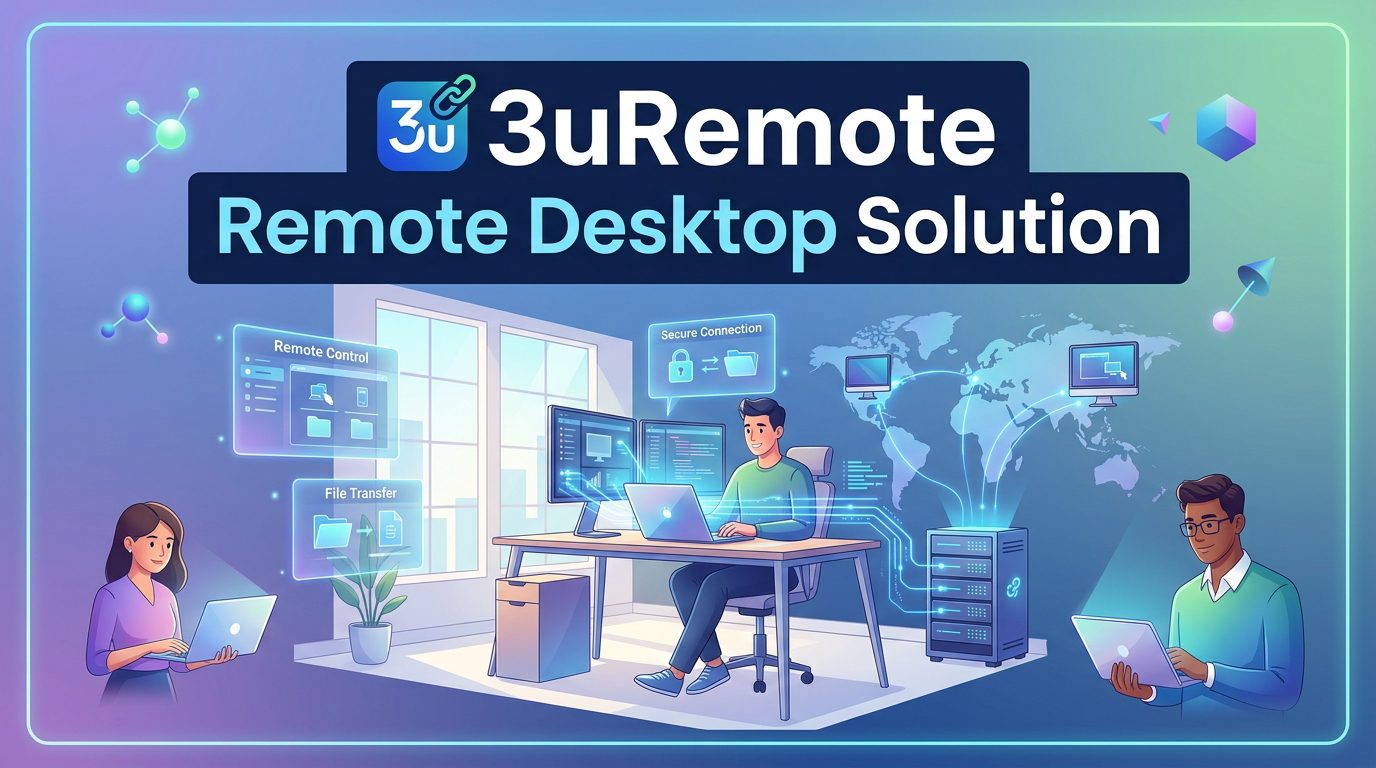
3uRemote is a remote access and device management application developed by the same team behind 3uTools.
Where 3uTools handles local iOS device management through a direct USB connection, 3uRemote extends that capability over a network, allowing users to monitor, manage, and interact with iOS devices from a separate computer or Android device.
This guide covers what 3uRemote does, who it is designed for, how it compares to general-purpose remote desktop tools, and how to get started.
Table of Contents
What 3uRemote Does?
3uRemote connects to iOS devices remotely and provides a set of management and monitoring tools through that connection.
The core functions include real-time screen mirroring, file and app management, device monitoring covering battery health, storage status, and system information, and debugging support for developers working across multiple devices.
The application is built specifically for iOS ecosystems rather than being a general-purpose remote desktop tool adapted for mobile.
This distinction matters in practice: tools built for Windows-to-Windows or cross-platform remote access often handle iOS devices inconsistently or require workarounds that add complexity.
Who 3uRemote Is For?
Individual users who manage their own iOS devices and want the ability to access or monitor them remotely will find the core features straightforward.
File access, screen viewing, and device status monitoring are available without requiring technical expertise to set up.
IT professionals and support teams who manage multiple iOS devices across an organization benefit from the multi-device monitoring capability.
Rather than connecting to each device individually, the Screen Wall feature displays multiple connected devices simultaneously on a single screen, which makes spotting issues and switching between devices faster in a support context.
Developers who need to test applications across devices or monitor device behavior during testing will find the debugging support and real-time screen access useful, particularly when physical access to all test devices is not practical.
Small and mid-sized businesses that issue iOS devices to employees and need a way to provide remote support or monitor device health without an enterprise-scale mobile device management platform have a practical middle-ground option in 3uRemote.
Key Features
Screen Mirroring and Remote Viewing
The screen mirroring feature displays the connected iOS device’s screen in real time on the controlling computer. This is useful for troubleshooting, demonstrations, and monitoring device activity without needing physical access to the device.
Screen Wall
The Screen Wall function allows multiple device screens to be displayed simultaneously on a single monitor. For anyone responsible for more than a few devices, this removes the need to open and manage separate sessions for each one, which simplifies monitoring and reduces the time spent switching between connections.
File and App Management
Files can be accessed and managed remotely through the connection, and app status on the connected device can be reviewed. This covers the practical day-to-day management tasks that would otherwise require the device to be physically present.
Device Monitoring
3uRemote surfaces hardware status information for connected devices, including battery health, storage usage, and system information. This is the same diagnostic visibility available in 3uTools when connected locally, extended to work over a remote connection.
Mobile Control from Android
The application supports control from Android devices running Android 7.0 or later, in addition to Windows computers. This allows management tasks to be handled from a phone or tablet when a computer is not available.
Multi-Channel Remote Control
Multiple devices can connect to and interact with a single session simultaneously. For teams where two or more people need to work on or monitor the same device at once, this removes the bottleneck of single-user access that most remote tools impose.
How 3uRemote Compares to General Remote Desktop Tools
Tools like TeamViewer, AnyDesk, and Chrome Remote Desktop are built around Windows and Mac desktop environments. They work well for their intended purpose but were not designed with iOS device management in mind. Connecting an iPhone through a general remote desktop tool typically requires additional configuration and often delivers limited functionality compared to a tool built specifically for iOS.
3uRemote’s advantage is that its feature set maps directly to what iOS device management actually requires: screen viewing, file access, hardware diagnostics, and multi-device monitoring. These are available out of the box without needing to adapt a tool designed for a different environment.
For organizations already using 3uTools for local device management, 3uRemote extends the same management capabilities over a network connection, which means teams familiar with one tool will find the other straightforward to use.
Available Plans
3uRemote offers three plan tiers based on the number of devices and features required.
The Solo Plan covers individual users and includes core remote access features, RDP access, remote command line, and power management. It is suited to single users managing their own devices or providing occasional support.
The Standard Plan supports up to 200 devices and adds 4K Ultra HD streaming and privacy blackout features. This is designed for growing teams that need to manage a significant number of devices without moving to a full enterprise solution.
The Pro Plan supports up to 500 devices with dedicated server support and detailed connection logging. This is aimed at larger IT operations where scale, accountability, and reliability are priorities.
How to Get Started
Getting 3uRemote running is a straightforward process. Download the appropriate version from the official 3uRemote website. Windows users should select either the 32-bit or 64-bit version based on their system. Android users should confirm they are running Android 7.0 or later before installing.
Once installed, connect the iOS devices you want to manage and configure the connection settings within the application. The interface follows a similar layout to 3uTools, so users already familiar with that application will find the setup process familiar.
Start with the core monitoring and screen mirroring features to verify that the connection is working correctly before moving on to file management or multi-device configurations.
Security and Privacy
3uRemote uses encrypted connections for all sessions, covering screen data, file transfers, and device interactions.
Connection logging is available on the Pro Plan, which provides a record of sessions for IT departments that need accountability and audit trails.
As with any remote access tool, it is important to download only from the official website and to manage access credentials carefully.
Remote access software that is not properly secured can create vulnerabilities, so reviewing permission settings and connection logs regularly is good practice for any organization using it in a business context.
Conclusion
3uRemote fills a specific gap for users and teams that need remote iOS device management rather than general-purpose remote desktop access.
Its features are built around what iOS management actually requires, and its integration with 3uTools makes it a natural extension for anyone already using that platform for local device management.
It is available across three plan tiers to suit individual users, growing teams, and larger enterprise operations.
For anyone managing iOS devices remotely on a regular basis, it is worth evaluating against general remote desktop tools to see whether the iOS-specific feature set better matches their actual workflow.
Frequently Asked Questions
What is 3uRemote used for?
3uRemote is a remote access and management tool that allows users to monitor and manage iOS devices from a Windows computer or Android device. Primary uses include IT support, device monitoring, file management, and developer testing across multiple devices.
How is 3uRemote different from TeamViewer or AnyDesk?
TeamViewer and AnyDesk are general-purpose remote desktop tools designed primarily for Windows and Mac environments. 3uRemote is built specifically for iOS device management, which means its features, including screen mirroring, hardware diagnostics, and multi-device monitoring, are designed around what iOS management actually requires rather than adapted from a desktop-focused tool.
Is 3uRemote secure for business use?
Yes. 3uRemote uses encrypted connections for all sessions and includes connection logging on the Pro Plan. As with any remote access software, managing credentials carefully and reviewing access settings regularly is recommended.
Who should use 3uRemote?
3uRemote is suited to individual users who want remote access to their own iOS devices; IT professionals managing multiple devices across an organisation; developers testing across devices; and small to mid-sized businesses that need a practical remote iOS management solution without a full enterprise MDM platform.
Does 3uRemote support multiple devices at the same time?
Yes. Depending on the plan, 3uRemote supports monitoring and managing up to 500 devices, with the Screen Wall feature allowing multiple device screens to be viewed simultaneously on a single monitor.
Does 3uRemote require 3uTools to be installed?
3uRemote is developed by the same team as 3uTools and integrates well with it, but it functions as a standalone application for remote device management. Users already running 3uTools will find the two applications complement each other, but 3uTools is not a prerequisite for using 3uRemote.