Staying consistent with a fitness routine is genuinely difficult. Most people start with good intentions but lose momentum within the first few months, often because the tools they are using do not match how they actually want to train. Generic workout plans, flat video demonstrations, and rigid schedules are common reasons people abandon fitness apps before seeing real results.
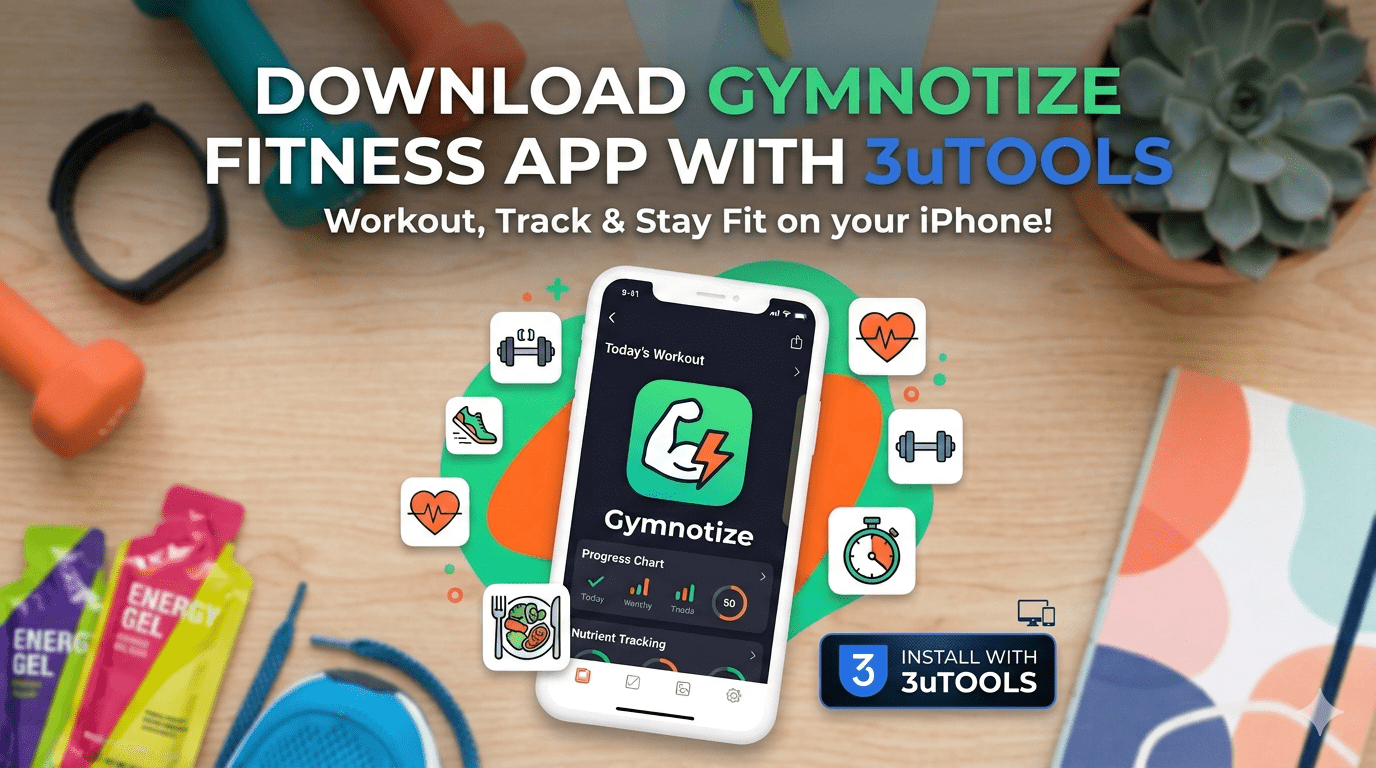
Gymnotize is a fitness application built around 3D exercise visualization and customizable workout planning. This guide covers what the app offers, how to install it through 3uTools, and how to get the most out of its features.
What Makes Gymnotize Different
Most fitness apps fall into one of two categories. They either provide basic exercise lists with static images, or they offer video-based classes that require following a preset schedule. Gymnotize takes a different approach by focusing on detailed 3D anatomical animation that shows exactly how each exercise should be performed and which muscles are involved.
This is particularly useful for weight training, where form affects both effectiveness and injury risk. Seeing a movement from multiple angles with muscle group highlighting gives users information that flat images or brief video clips cannot convey clearly.
The app includes over 300 exercises covering every major muscle group, from foundational compound movements like squats and deadlifts to targeted isolation exercises. Each demonstration is adapted to the user’s selected experience level, with slower and more detailed guidance for beginners and more streamlined sequences for advanced users.
Key Features
3D Exercise Library
The core of Gymnotize is its animated exercise library. Each movement is shown from multiple viewing angles simultaneously, with real-time muscle highlighting that changes as the exercise progresses through its range of motion. Common form mistakes are flagged with visual indicators, which is particularly helpful for exercises where errors are easy to make and difficult to self-correct without a mirror or trainer.
Custom Workout Creation
The app allows users to build their own workout routines from the exercise library based on available equipment, time constraints, and specific goals. Pre-built programs are also available for muscle building, weight loss, strength training, and endurance work.
The planning tools include automatic rest period calculation between sets, weight progression suggestions based on previous sessions, and scheduling features for weekly workout planning. Multiple workout profiles can be saved for different training phases or goals.
Progress Tracking and Analytics
Gymnotize records workout duration, exercises completed, weights used, and estimated calories burned for each session. The analytics dashboard displays this data over time through visual charts, showing progress across different muscle groups and training metrics.
The app integrates with Apple Health, allowing workout data to be combined with other health metrics including sleep, heart rate, and daily activity levels for a broader view of overall fitness progress.
Performance Settings
For users with older devices, the app includes options to reduce animation quality for smoother performance. Basic workout functions work offline, though the detailed 3D animations require an internet connection for initial loading.
Installing Gymnotize Through 3uTools
For users who manage their iOS apps through 3uTools, Gymnotize can be installed directly from the desktop application.
Before you begin, confirm your setup meets these requirements:
- iPhone, iPad, or iPod Touch running iOS 9.0 or later (iOS 12 or later recommended)
- Windows PC running Windows 7, 8, 10, or 11, or a Mac computer
- At least 2 GB of free storage on your iOS device
- A genuine Apple USB cable
- Stable internet connection
Installation steps:
- Download and install 3uTools from the official website. The Windows version is available in 64-bit (187 MB) and 32-bit (192 MB). Mac users should download version 3.16.006 (178 MB)
- Launch 3uTools and connect your device using a USB cable plugged into a rear port on your computer
- Tap Trust This Computer on your iPhone when prompted and enter your passcode
- Navigate to the Apps section in 3uTools and use the search bar to find Gymnotize
- Click Install and wait for the download and installation to complete. The app file is approximately 95 MB and installation takes 2 to 4 minutes
- Once complete, disconnect your device and open Gymnotize from your home screen
Initial Setup
When you first open the app, it will request permissions for motion sensors, camera access for form-checking features, and Apple Health integration. Granting these permissions enables the full feature set.
The setup process asks for your current fitness level, primary goals, and any physical limitations. This information is used to customize exercise recommendations and ensure suggested workouts are appropriate for your starting point. The app supports twelve languages and can be set to your preferred language during initial configuration.
Troubleshooting Common Issues
Device not recognized by 3uTools: Use a genuine Apple USB cable connected to a rear USB port. If the device is still not recognized, click the Repair Driver button in 3uTools and restart both your device and computer before trying again.
App runs slowly or crashes: Close background apps and restart your device before launching Gymnotize. On older devices, reduce animation quality in the app’s performance settings.
3D animations not loading: These require an internet connection for initial loading. Check your connection and try again. Once loaded, exercises can be accessed offline for subsequent sessions.
Storage space issues: Gymnotize requires approximately 100 MB for installation plus additional space for workout data. Free up storage if installation fails.
How Gymnotize Compares to Alternatives
MyFitnessPal is primarily a nutrition and calorie tracking app. It includes basic exercise logging but does not offer the detailed form instruction or 3D visualization that Gymnotize provides. The two apps serve different primary purposes and can be used together effectively.
Peloton and Nike Training Club are video-based platforms built around structured class schedules. They are strong for motivation and community but offer less flexibility for users who want to train on their own schedule with personalized routines.
Fitbod provides solid workout programming with automatic routine generation, but focuses more on exercise selection than on detailed form instruction. It is a strong option for experienced users who need less guidance on technique.
Freeletics and Sweat offer comprehensive training programs but charge $20 or more per month for full access. Gymnotize provides comparable exercise instruction and customization at a lower price point.
| App | Primary Strength | Form Instruction | Customization | Cost |
|---|---|---|---|---|
| Gymnotize | 3D visualization | Detailed | High | Free/Low |
| MyFitnessPal | Nutrition tracking | Basic | Medium | Free/Paid |
| Fitbod | Auto programming | Moderate | High | Subscription |
| Nike Training Club | Guided classes | Video-based | Low | Free/Paid |
| Freeletics | Training programs | Video-based | Medium | Subscription |
Advanced Tips
Workout Periodization
Rather than repeating the same routine, use the app’s progression features to structure training in phases. A foundation phase focusing on form and movement patterns, followed by a strength phase with heavier weights and lower repetitions, followed by a conditioning or endurance phase produces better long-term results than a static routine.
Training Techniques
The exercise library supports supersets, drop sets, and circuit training. Experimenting with these methods helps break through plateaus and adds variety that prevents workouts from feeling repetitive over time.
Combining with Other Tools
Gymnotize handles exercise instruction and progress tracking well. Pairing it with a dedicated nutrition app creates a more complete fitness management system. A heart rate monitor can also be used alongside the app to track training intensity and ensure workouts are hitting the right effort levels for your goals.
Conclusion
Gymnotize offers a genuinely useful approach to fitness app design by prioritizing detailed exercise instruction over generic workout lists or rigid class schedules. The 3D visualization is the standout feature, providing form guidance that is difficult to replicate through flat images or brief video clips alone.
The customization tools, progress tracking, and Apple Health integration make it a practical daily training companion rather than just a reference tool. For users who want to train independently with clear guidance on technique, it is worth downloading and evaluating.
Frequently Asked Questions
Is Gymnotize suitable for beginners?
Yes. The app adapts its exercise demonstrations to the user’s selected experience level, providing slower and more detailed guidance for beginners. The form instruction focus makes it particularly useful for people learning proper technique for the first time.
Does the app work offline?
Basic workout functions and previously loaded exercises work offline. The detailed 3D animations require an internet connection for initial loading but can be accessed offline in subsequent sessions once loaded.
How does progress tracking work?
The app automatically records each session including exercises completed, weights used, duration, and estimated calories burned. This data is displayed in a dashboard with charts showing trends over time across different muscle groups and fitness metrics.
Does Gymnotize integrate with Apple Health?
Yes. The app integrates with Apple Health to share workout data and pull in other health metrics for a more complete view of fitness progress.
Can I create my own workout routines?
Yes. The custom workout builder allows you to select exercises from the full library and organize them into routines based on your equipment, available time, and goals. Multiple routines can be saved for different training phases.
What devices are compatible?
Gymnotize runs on iPhone, iPad, and iPod Touch devices running iOS 9.0 or later, with iOS 12 or later recommended for optimal performance.